Pinterest for Creators: Turning Pins Into Blog and Product Traffic
Pinterest works more like a search engine than a social feed, which makes it a durable traffic source for creators. This guide explains how Pinterest search works, how to design pins and boards, and how to link them to your blog and products.
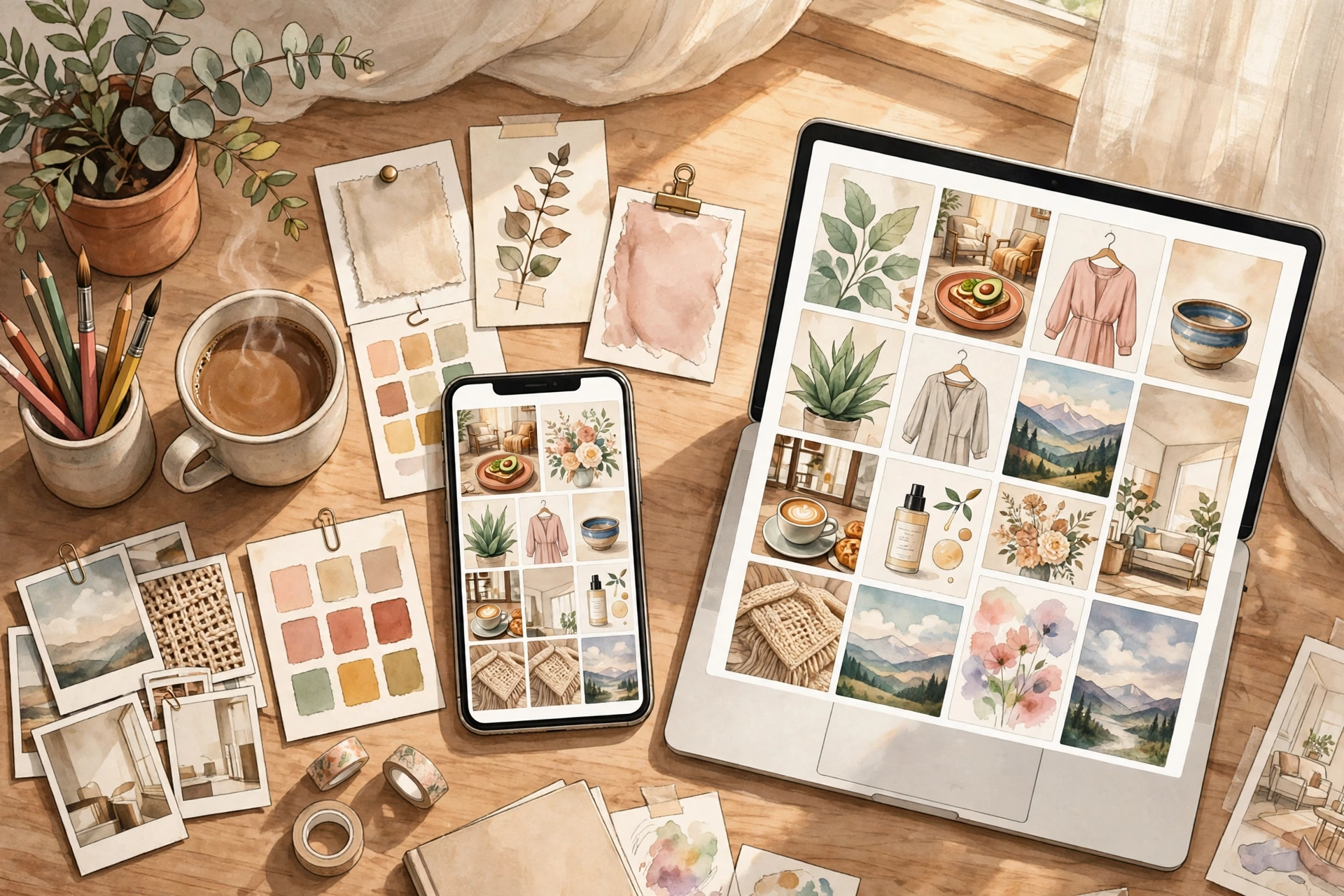
Most creators treat Pinterest like another social feed, posting a pin and hoping it gets likes. That approach misses what makes Pinterest valuable. Pinterest is closer to a visual search engine: people arrive with intent, typing phrases like easy weeknight dinners, small bedroom ideas, or beginner watercolour tutorial, and they save what they want to return to later. A pin can keep sending traffic for months or even years after it is published, long after a post on a fast-moving feed has disappeared. For a creator with a blog or a digital product, that long life is the whole point.
How Pinterest Search Actually Works
When someone searches on Pinterest, the platform tries to match their words with pins, boards, and profiles that seem relevant. Three things matter most: the words in your pin title and description, the words on your board, and the content of the page your pin links to. Pinterest also looks at engagement signals, such as saves and clicks, but relevance comes first. A pin with a precise title will usually beat a prettier pin with a vague one.
Think in terms of search phrases, not hashtags alone. A food creator might target slow cooker chicken curry rather than just dinner. A design creator might target small balcony garden ideas rather than just gardening. Use the search bar itself as research: type a seed word, watch the suggestions that appear, and note the phrases real people use. Those suggestions are a free window into demand. Build your pin titles and descriptions around those phrases, written naturally, not stuffed with keywords.
Designing Pins People Click
A pin has about a second to earn attention in a crowded feed. Vertical images work best, roughly in a 2:3 ratio, because they take up more screen space on mobile. Use a clear, readable headline on the image itself, in large type that survives a small phone screen. The headline should promise a specific outcome or answer, such as a five-step morning routine or a printable budget tracker, rather than a generic label like my new post.
Photography or illustration quality matters, but polish is not the same as clutter. One strong image, one headline, and plenty of breathing room usually outperform a collage of five photos and three fonts. Keep your colours and fonts consistent enough that regular viewers start to recognise your pins, but vary the layout and headline so that multiple pins for the same article do not look identical. If you sell a product, show it in use where possible: a planner open on a desk tells a buyer more than a flat mockup alone.
Boards That Organise Your Content
Boards are how Pinterest understands what your account is about, and how readers browse your work. Create boards around topics, not around your products. A creator who sells sewing patterns might have boards for beginner sewing projects, fabric organisation ideas, and handmade gift ideas, with their own pins mixed among other useful pins. Boards with only your own products look like a catalogue; boards that genuinely help a reader look like a resource worth following.
Linking Pins to Your Blog and Products
Every pin should link to a specific, relevant page, never just to your homepage. A pin about a sourdough starter guide should open that guide. A pin showing a printable planner should open the planner's sales or landing page. Readers who land on a generic homepage have to hunt for what they wanted, and most will simply leave.
On the destination page, make the next step obvious. A blog post can end with a related free resource or a link to the matching product. A product page should answer the obvious questions: what is included, who it is for, what format it comes in, and what happens after purchase. If you offer a free sample or preview, say so plainly. Pinterest traffic often arrives cold, from people who have never heard of you, so the page must do the introducing that a loyal follower would not need.
What to Measure, and What to Ignore
Pinterest's own analytics show impressions, saves, outbound clicks, and profile visits. For a creator, outbound clicks are the number that matters most, because a click is the bridge to your blog or shop. Saves are a useful second signal: they show that people found the pin worth keeping, which often predicts future clicks. Impressions alone can flatter you. A pin seen by many people but clicked by few usually has a headline or image problem, not an audience problem.
Give pins time before judging them. Unlike a feed post that lives or dies in a day, a pin may take weeks to gather momentum as Pinterest tests it with different searches. Review performance monthly rather than daily, and look for patterns: which topics earn clicks, which headlines work, which designs get saved. Then make more of what works and retire what does not. A simple example illustrates the point: if three pins about budget printables outperform ten pins about general productivity, your audience has told you where to focus next.
Frequently Asked Questions
Do I need a business account on Pinterest?
A business account is free and gives you access to analytics, which you need to measure clicks and saves. It also lets you claim your website, which adds credibility. If you plan to drive traffic seriously, set one up before you invest much time in pinning.
How many pins should I create for one blog post?
Start with two or three different pins per post, each with a different image or headline angle, published days apart. If the post performs well, you can add more over time. Quality and variety matter more than flooding the platform with near-identical images.
Can Pinterest traffic actually lead to product sales?
Yes, but usually indirectly. Most buyers first read a blog post, join an email list, or save a pin, and purchase later. Treat Pinterest as the top of a path: pin to helpful content, offer a relevant free resource, and let the product appear naturally along the way.
How long does it take to see results?
Expect weeks, not days. New accounts and new pins need time to be indexed and tested in search. Creators who publish consistently for two to three months usually have enough data to see which topics deserve more effort.
Conclusion
Pinterest rewards creators who think like helpful librarians rather than loud advertisers: clear topics, honest headlines, useful boards, and links that deliver what the pin promised. Start with your best existing content, make a few strong pins for each piece, and measure clicks rather than vanity numbers. Over time, those pins become a quiet, durable traffic engine for your blog and your products, working long after the day you published them.
Related Marketplace Assets
AI Instagram Caption Generator
Generate 3 distinct styles of engaging Instagram captions with hooks, emojis, and conversation-starting CTAs.
AI Smart Hashtag Generator
Discover targeted, tiered hashtag groups categorized into broad high-reach, niche-specific, and community tags.
AI Social Media Post Generator
Generate engaging, platform-aware social media posts formatted with clean spacing, strong hooks, and closing prompts.