Selling Digital Products on WhatsApp: A Playbook for Indian Creators
A complete playbook for selling digital products on WhatsApp in India: Business app setup, the 5-message sales flow, UPI payments, delivery at scale, and broadcast lists that beat email.
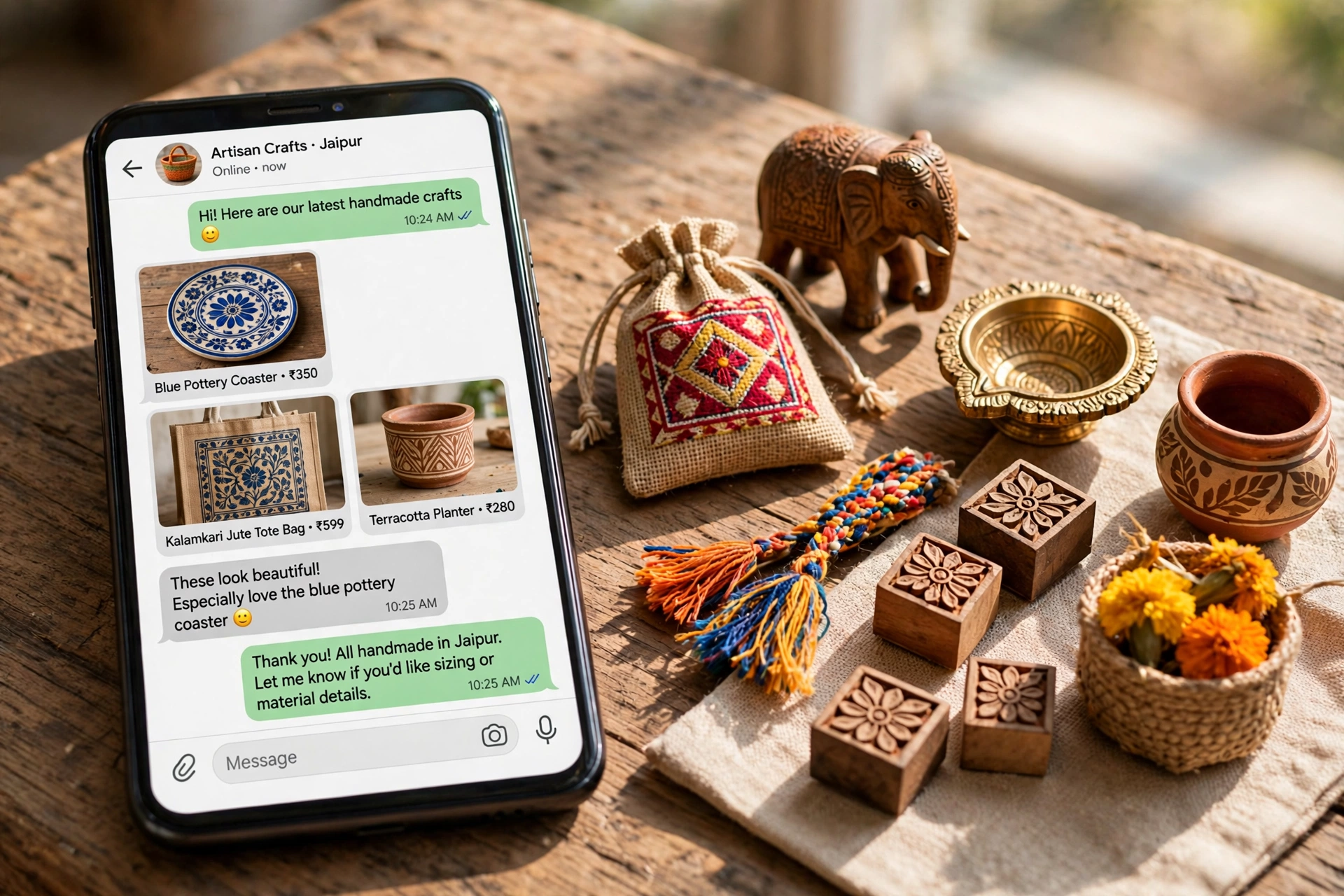
For most Indian creators, the first sale does not happen on a fancy website. It happens in a WhatsApp chat — a follower asks "price?", you reply, they UPI you the money, and you send the download link. No checkout page, no cart abandonment, no payment gateway fees. WhatsApp is already where your audience lives, so selling there removes every step between interest and payment.
This playbook covers the full system: setting up, the sales conversation flow, collecting payments, delivering products, and scaling without living inside your phone. It is built for digital products — ebooks, templates, presets, courses — priced between ₹99 and ₹4,999.
Why WhatsApp Beats a Website (at First)
A website needs traffic, trust, and a working checkout before it converts. WhatsApp needs none of that: the trust already exists because the buyer follows you, the traffic is free because they message you, and payment is one UPI tap. Creators routinely report 30–50% close rates on warm WhatsApp conversations versus 1–3% on cold website traffic. Start where the friction is lowest; build the website when volume demands it.
Step 1: Set Up the Business App Properly
Download WhatsApp Business (free, separate from personal WhatsApp) and configure the four things that do your selling while you sleep:
- Business profile: Add your creator name, a one-line description of what you sell, your city, and business hours. This is your storefront sign.
- Catalog: Add each product as a catalog item with a clear image, the exact price, and a 2-line description. Buyers browse the catalog like a shop shelf — this alone answers half the questions you would otherwise type out.
- Greeting message: Auto-reply to first-time messengers: "Hi! Thanks for reaching out. You can browse my products here [catalog link]. Reply with the product name and I'll share payment details."
- Quick replies: Save shortcuts for your five most repeated messages — price list (/price), payment details (/pay), delivery time (/delivery), refund policy (/refund), and testimonials link (/proof).
Step 2: The 5-Message Sales Flow
Every sale follows the same conversation arc. Do not improvise it each time — run the flow:
- Qualify (1 message): "Which product are you interested in?" — points them to the catalog, filters out window shoppers.
- Value (1–2 messages): Send one specific outcome the product delivers, plus one screenshot or testimonial. Not a brochure — one proof point.
- Price + payment (1 message): State the price clearly, then your UPI ID or QR. "It's ₹499 — you can pay on this UPI ID: yourname@upi. Share the screenshot once done."
- Confirm (1 message): When the screenshot arrives, verify it in your UPI app (never trust screenshots alone), then confirm: "Payment received! Sending your download link now."
- Deliver + upsell (1 message): Send the download link (Google Drive link with view-only access works fine at small scale), plus: "If you'd like the advanced pack too, it's ₹999 — most buyers grab both."
Total typing time per sale: under 3 minutes once quick replies are set up.
Step 3: Collecting Payments Without Headaches
UPI is the default — instant, free, universal. Keep a dedicated UPI ID for business (most apps let you create a second one) so personal and business money do not mix. For products above ₹2,000, offer a Razorpay or Instamojo payment link as an alternative; some buyers trust a branded checkout more than a personal UPI ID. Two rules: always verify payment in your own app before delivering, and never deliver on "I'll pay tomorrow."
Step 4: Delivery That Scales Past 10 Sales a Day
Manual delivery breaks around 15–20 sales a day. The upgrade path, in order of effort:
- Stage 1 (under 10/day): Google Drive links sent manually. Fine.
- Stage 2 (10–30/day): A simple Google Form for order capture + Drive links. The form collects name, product, and transaction ID so nothing gets lost in chat scroll.
- Stage 3 (30+/day): Move checkout to Instamojo, Gumroad, or your own site with automatic delivery — but keep WhatsApp as the support and upsell channel. The conversation is still your highest-converting asset.
Step 5: Broadcast Lists — Your Free Email List
WhatsApp broadcast lists let you message up to 256 people at once, and only those who saved your number receive it — which self-selects your warmest audience. Build the list by asking every buyer: "Want early access to new products? Save my number and reply YES." Then broadcast new launches, limited discounts, and testimonials. Open rates routinely beat email 3-to-1. Segment into two lists — buyers and prospects — and message them differently.
Mistakes That Kill WhatsApp Sales
- Replying late. A buyer who waits 6 hours buys from someone else. Set chat notifications on during business hours; use the away message honestly outside them.
- No catalog. Every "send me details" conversation that starts from zero costs you 10 minutes. The catalog compresses it to 2.
- Discounting in chat. The moment you negotiate once, every buyer expects it. Put bundle deals in the catalog instead.
- Mixing personal and business. Buyers messaging your personal number at midnight is a boundary problem you create on day one. Keep them separate.
FAQ
Is selling on WhatsApp legal for digital products?
Yes — WhatsApp is just the communication channel. You still need to handle taxes (GST registration applies above the threshold) and honor consumer refund rights like any seller.
What about WhatsApp's commerce policy?
WhatsApp Business permits selling legitimate products. Do not use it for spam blasts to non-consenting numbers — that gets numbers banned. Broadcasts only to people who opted in.
How do I handle refunds over chat?
State your refund window in the catalog description and your /refund quick reply. Process genuine refunds within 24 hours — one public complaint about a refused refund costs more than ten refunds.
When should I move off WhatsApp to a website?
When manual delivery eats more than 2 hours a day, or when you want to run ads — ad platforms need a landing page. Keep WhatsApp for support even after you scale.
Conclusion
WhatsApp selling is not a hack or a temporary trick — for Indian creators it is the most natural storefront available. Set up the Business app properly, run the same 5-message flow every time, verify payments before delivery, and build your broadcast list from day one. The creators making consistent sales are not the ones with the best websites; they are the ones whose chat replies arrive in minutes, not days.
Related Marketplace Assets
AI CTA Generator
Craft clear, persuasive calls-to-action tailored for newsletters, digital downloads, video outros, and community growth.
AI Product Description Generator
Generate persuasive, structured sales descriptions for digital products, templates, and courses that convert visitors.
AI Creator Email & Newsletter Writer
Draft personal, high-engagement broadcast emails and newsletter editions with curiosity subject lines and clear CTAs.