YouTube Thumbnail A/B Testing: How Test & Compare Picks a Winner and How to Run Tests That Teach You Something
YouTube Test & Compare picks thumbnail winners by watch time, not clicks. This guide covers eligibility, setup, designing three variants that teach you something, reading results honestly, and the manual swap fallback for Shorts.
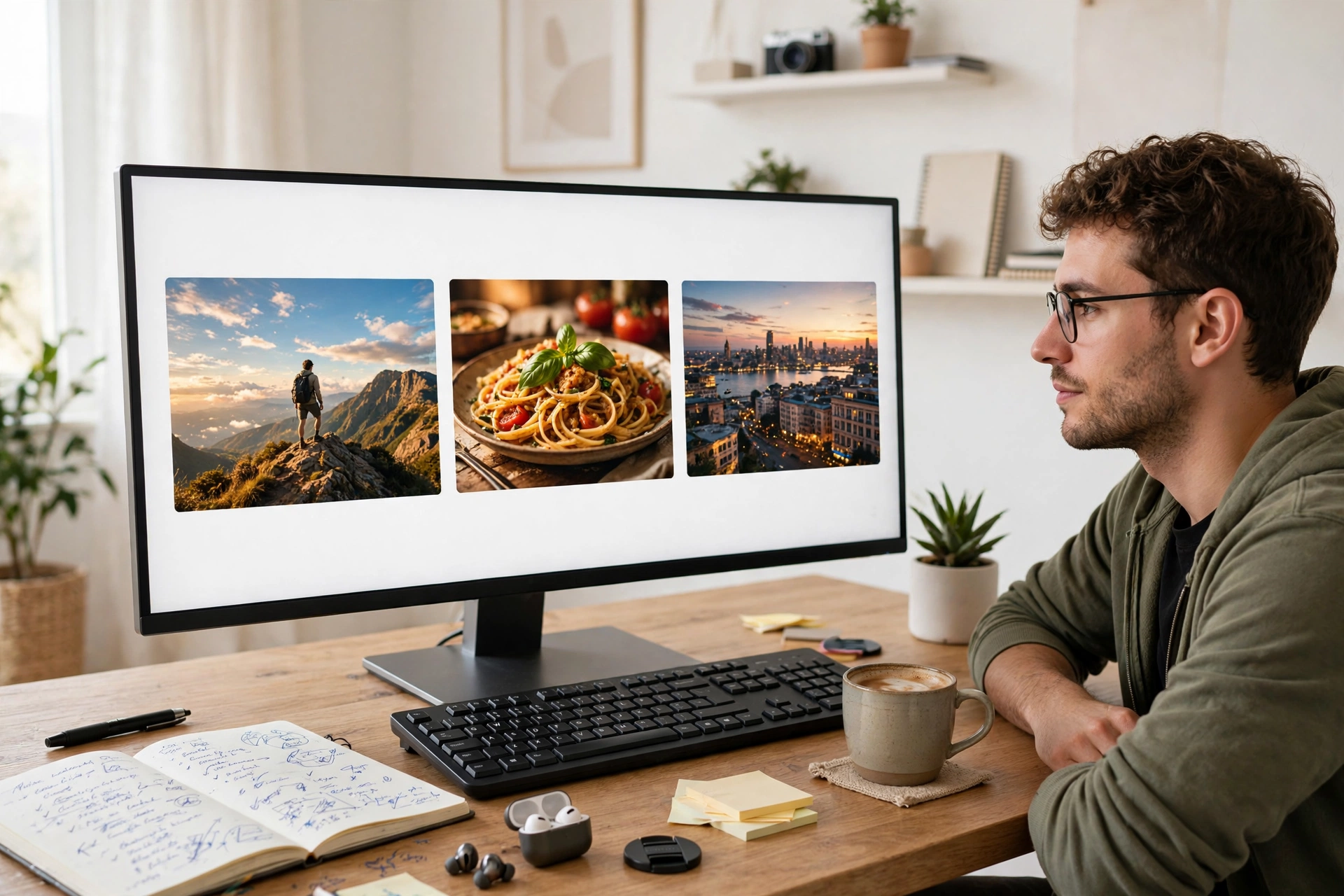
Every creator has been there: you finish a video, you make two thumbnails you like, and you pick one on gut feeling. A week later you wonder whether the other one would have done better — but by then the moment is gone, and changing the thumbnail now tells you nothing clean, because the audience and the timing have both changed. YouTube's built-in Test & Compare feature exists to end that guesswork. It shows different thumbnails (or titles) to different viewers at the same time and picks a winner for you. The catch most creators miss is what it measures: not clicks, but watch time. Understand that one fact, and every test you run gets sharper.
What Test & Compare actually measures — and why it matters
Test & Compare, also called A/B testing, lives inside YouTube Studio. You can test up to three titles, three thumbnails, or three title-and-thumbnail combinations on a single video. YouTube splits your viewers between the versions and, at the end, shows the winning version to everyone. A test can run for a few days or up to two weeks, depending on how many impressions the video gets. The winner is decided by watch time share — the proportion of the video's total watch time during the test that each version earned. That is a deliberate choice by YouTube, and it changes how you should think about thumbnails. A loud, curiosity-gap thumbnail can win on clicks and still lose the test, because viewers who click and leave in the first minute add almost no watch time. A quieter thumbnail that brings in the right viewers — people who actually stay — can beat it. If you judge your own thumbnails by click-through rate alone, you are measuring something YouTube's test deliberately ignores. Read YouTube's own explanation of the feature on the official help page for A/B testing titles and thumbnails: YouTube Help: A/B test titles & thumbnails. There is one more quiet detail: YouTube may hold back a small control group of viewers who only ever see your original title and thumbnail. Their viewing is excluded from the result. So if your numbers look slightly different from the test outcome, that control group is usually why.
First, check whether you can even use it
Test & Compare is not available to every video, and finding out mid-way wastes a good idea. The eligibility rules, straight from YouTube, are:
- Desktop only. The feature runs in YouTube Studio on a computer, not in the Studio mobile app.
- Advanced features must be enabled on your channel. If the A/B Testing option is missing, this is the first thing to check.
- Only public long-form videos and live archives. You cannot test Shorts, scheduled live streams, or Premieres — a Premiere becomes eligible only after it ends and converts to a long-form video.
- Not for videos set as made for kids, for mature audiences, or private videos. And be careful with age-restricted content: uploading it to the testing tool without marking it age-restricted can cost you access to the feature entirely.
- You can only upload custom thumbnails once your account is verified. Without verification, YouTube only offers auto-generated options, and there is nothing of yours to compare.
If any of these blocks you, skip to the manual swap method near the end of this article — it is not as clean, but it still beats guessing.
Setting up your first test, step by step
The setup itself takes about five minutes. The discipline is in what you do before and after.
- Sign in to YouTube Studio on a desktop computer and open the video you want to test from Content.
- In the Title box, or under Thumbnail, click A/B Testing.
- Choose what to test: Thumbnail only, Title only, or Title and thumbnail together. For your first test, choose Thumbnail only — testing both at once tells you the pair won, but not which half did the work.
- Upload up to three thumbnails and click Done.
- Leave it completely alone. If you change the title or thumbnail while the test is running, YouTube stops the test automatically and you have to start again.
- To check progress, go to the video's Analytics, open the Reach tab, and look for "How your A/B test is going." Click Manage test to review or stop it.
YouTube itself suggests starting with older videos rather than your newest upload, so a test does not interfere with a new video's early momentum while you are still learning the tool. That is good advice for your first two or three tests.
Designing three thumbnails that teach you something
The most common wasted test is three versions that are nearly identical — same photo, same layout, one word changed. YouTube warns that tests like this run longer, because there may not be enough difference between the options to pick a winner. Design your three options around one clear question, and change one idea at a time:
- Question one: does my audience respond to a face? Test a close-up expressive face against the same scene without a person.
- Question two: does text help or hurt? Test the same image with no text, with two or three bold words, and with a short question.
- Question three: does the emotion change the viewer? Test the same subject framed as a problem (worried, messy, before) against the same subject framed as a result (calm, finished, after).
Two practical rules make or break the test. First, put your best guess first. If there is no clear winner, YouTube shows the first option you uploaded to everyone — so the fallback should be the version you would have picked anyway. Second, export every thumbnail at 1280 x 720. If even one option is below 720p, YouTube downscales all experiment thumbnails to 480p, and one low-quality upload drags the others down with it.
Reading the result honestly
When the test ends, there are three possible outcomes, and each one means something different:
- A clear winner: the version with the highest watch time share is shown to everyone. Apply the lesson, not just the thumbnail — note what won and why.
- Performed the same / no clear winner: your first uploaded option is shown to everyone. This is not a failure; it tells you the differences you tested do not matter much to your audience, which is itself useful information.
- Inconclusive: usually a small channel problem. The video did not get enough impressions for a statistically meaningful result. Run the test longer, or pick a video with more traffic, rather than forcing a conclusion.
One habit separates creators who get value from testing from those who just collect winning thumbnails: they look at the result alongside their analytics. If you are still learning which metrics should change your next video, read this guide to reading your analytics like a creator. And if a test changes what you think your channel is about, check it against your overall YouTube content strategy.
Six mistakes that waste a test
- Testing near-identical variants. Change the face, the text, or the colour — not just one word.
- Touching the video mid-test. Any title or thumbnail change stops the test automatically.
- Judging by the CTR line in Analytics. The test is decided by watch time; a high-CTR thumbnail that loses viewers fast can lose.
- Testing a Short or a scheduled live stream. The tool does not support them, and you will burn time looking for a button that is not there.
- Uploading one low-resolution thumbnail. Everything gets downscaled to 480p.
- Running one test and stopping. One result is an anecdote. The value is in the pattern across five or six tests — for example, that close-up faces keep winning, or that fewer words keep winning.
When you cannot use Test & Compare: the manual swap method
For Shorts, for channels without advanced features, or for a fourth idea that did not fit a three-way test, a manual swap is the fallback. It is weaker, because the audiences see the versions at different times, so be strict with yourself: run each version for a full seven days, compare watch time per impression rather than raw views, avoid swapping during a festival, trend spike, or shout-out, and accept that you cannot fully separate the thumbnail's effect from timing. For a deeper walkthrough of both the built-in tool and the manual method, this independent guide is worth reading: YouTube Thumbnail Test: How A/B Testing Works in Studio. Use the manual method to form a hypothesis, then confirm it with a real Test & Compare on an eligible video when you can.
Keep a test log — the real payoff
The winner of one test improves one video. A log of ten tests improves your channel. After every test, write down four lines: the video, the one question you tested, the winner, and what you think it means. After a few months, patterns appear that no single test shows — maybe your audience prefers outcomes over problems, or text over faces, or calm over loud. Those patterns become your thumbnail style, and they are earned from your own viewers rather than copied from a bigger channel.
Frequently Asked Questions
How long does a YouTube thumbnail A/B test take?
A few days to two weeks, depending on impressions and how recently the video was published. More different variants and more traffic resolve faster.
Does YouTube A/B testing use click-through rate to pick the winner?
No. The winner is the option with the highest watch time share. A thumbnail can get more clicks and still lose if those viewers leave quickly.
Can I A/B test YouTube Shorts thumbnails?
No. Shorts, scheduled live streams, and unfinished Premieres are not eligible. Live archives and public long-form videos are.
What happens if there is no clear winner?
YouTube shows the first title or thumbnail you uploaded to everyone. That is why your best guess should always go first.
Conclusion
Thumbnail testing is not about finding one magic image. It is about replacing arguments with evidence — your own viewers, split fairly, voting with their watch time. Start with an older video, test one clear idea with three genuinely different options, leave the test alone, and write down what you learn. After five or six tests, you will stop asking which thumbnail looks better and start knowing which kind your audience actually watches. That is a skill no trend cycle can take away.
Related Marketplace Assets
AI YouTube Title Generator
Generate curiosity-driven, high-converting video and article title variations engineered to capture viewer interest.
AI YouTube Description Generator
Craft structured YouTube video descriptions featuring above-the-fold hooks, key timestamps, and clear calls to action.
AI YouTube Script Generator
Generate comprehensive, high-retention YouTube video scripts with visual B-roll cues, pacing markers, and outro CTAs.